|
Deleting an unpaid Timecard in not an obvious process to many
users of BusinessVision. Here's how to do it.
1. Select the Employee for whom you wish to delete an unpaid
Timecard.
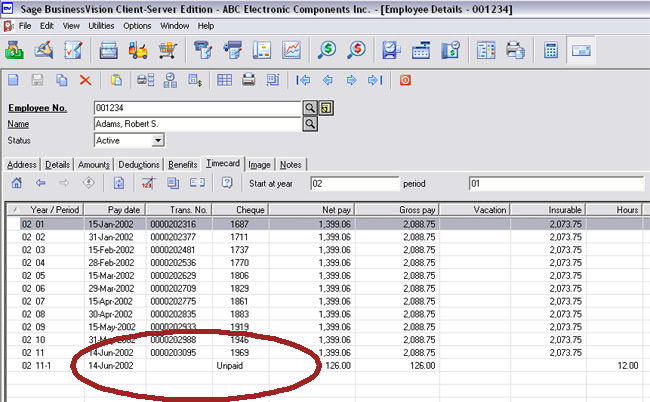
2. Click on the "Timecard" tab. You will see the following
screen. Note the Unpaid Timecard.
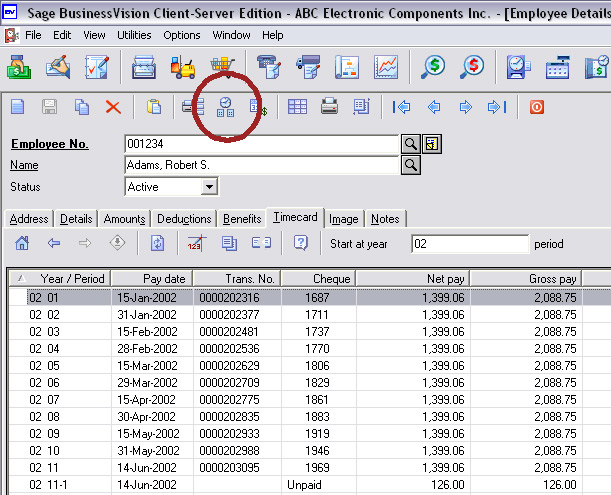
3. In the Payroll toolbar click on the "Timecard" icon:
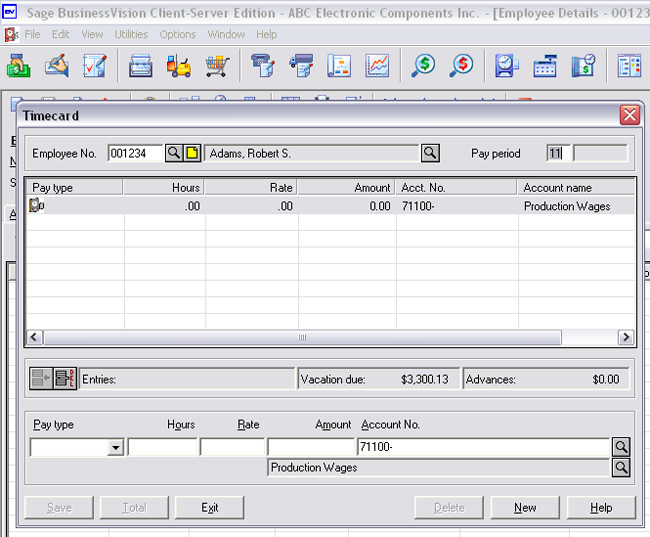
4. The following screen will appear.
5. If the Timecard you wish to delete is in a different Pay
Period, enter that Pay Period in the Pay Period box, indicated
below, then hit <ENTER> or <TAB>.
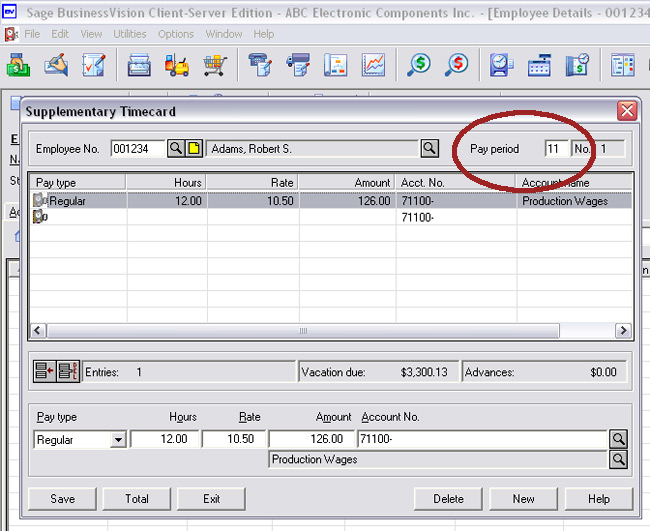
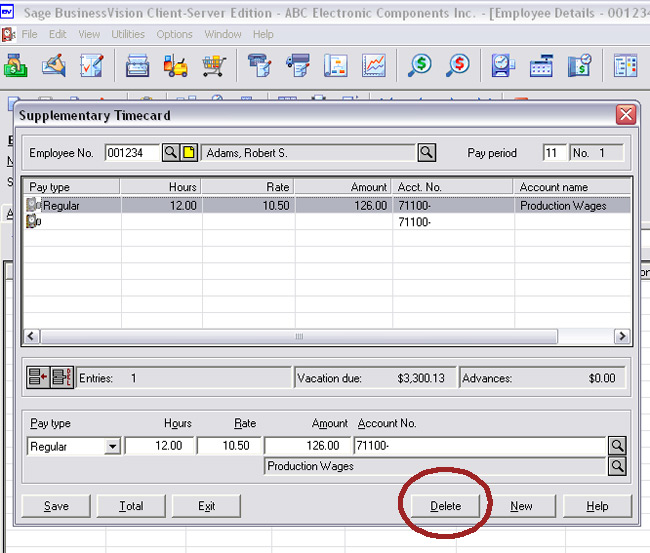
6. Hit <ENTER> or <TAB> and any unpaid timecards for that Pay
Period will appear.
Click on the Delete button to delete this Timecard.
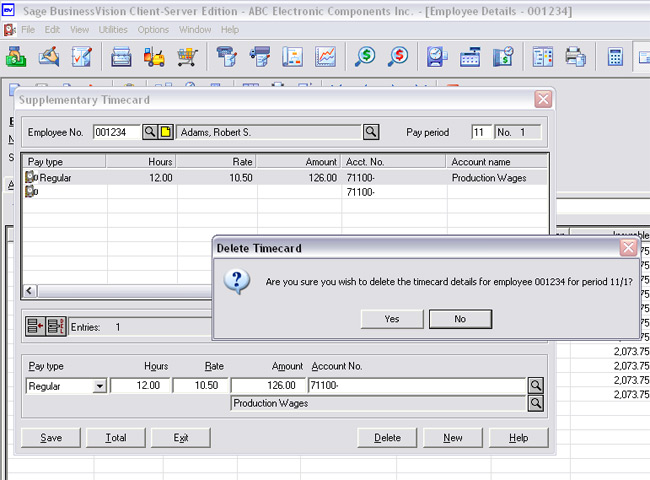
7. The following confirmation prompt will appear. Click on "Yes".
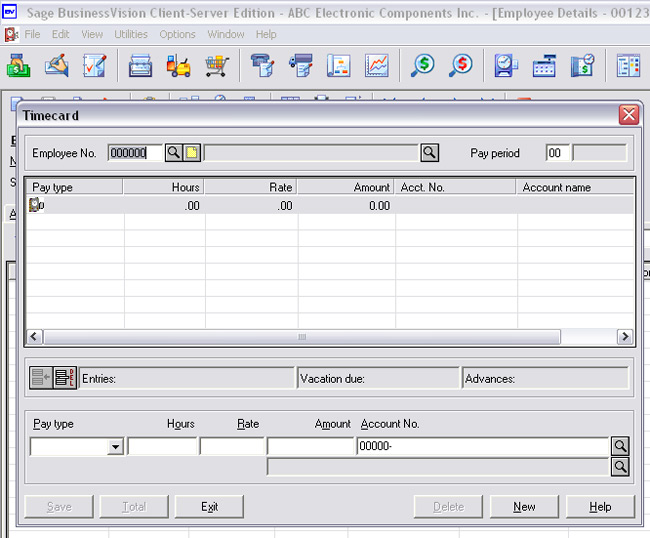
8. You will then be returned to a blank Timecard screen.
9. Quit this screen and you will be back at the Employee screen,
in the Timecard tab.
That's it ... you're done!
| 


